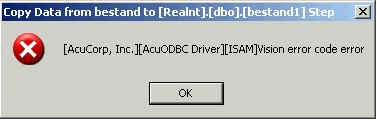
Fehler: "Native Error Code: 22" beim Zugriff auf Real-Daten
Ursache:
Wenn Datensatz durch anderes Programm (Real) gesperrt, stoppt die
AcuODBC-Abfrage und bringt Fehlermeldung.
Lösung (Workaround):
- bei der AcuODBC-Konfiguration "signed Index" aktivieren
- beim SQL-Select Key-Bedingungen angeben
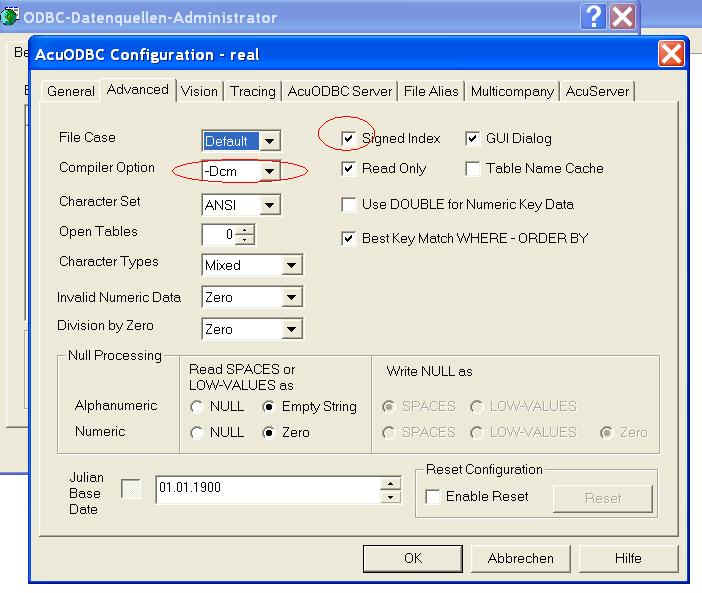
Beispiele für funktionierende Selects trotz Datensatz-Sperre
select count(*) from objekt where objektnr >= 0 and recstatus = 0
select count(*) from fkkonto where konto >= 0 and recstatus = 0
select count(*) from ktnplan where kontonummer >= 0
select count(*) from txdatei where textnr > 0 and textnr < 1000
select count(*) from bestand where objektnr >= 0 and recstatus = 0